Getting started with your Thermomix: the functions to know first
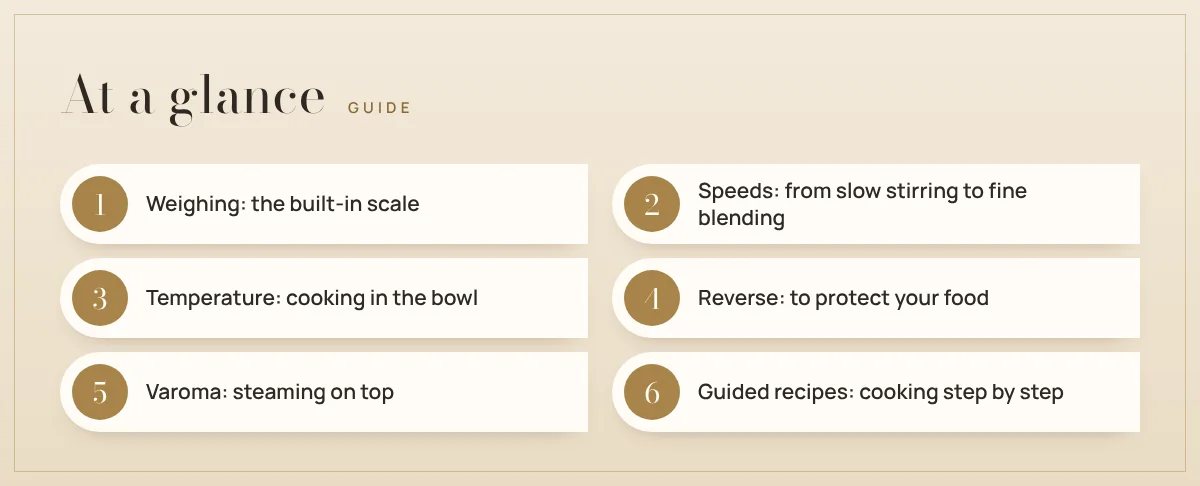
New to the Thermomix®? Here are the six basic functions to learn first: weighing, speeds, temperature, reverse, Varoma and guided recipes.
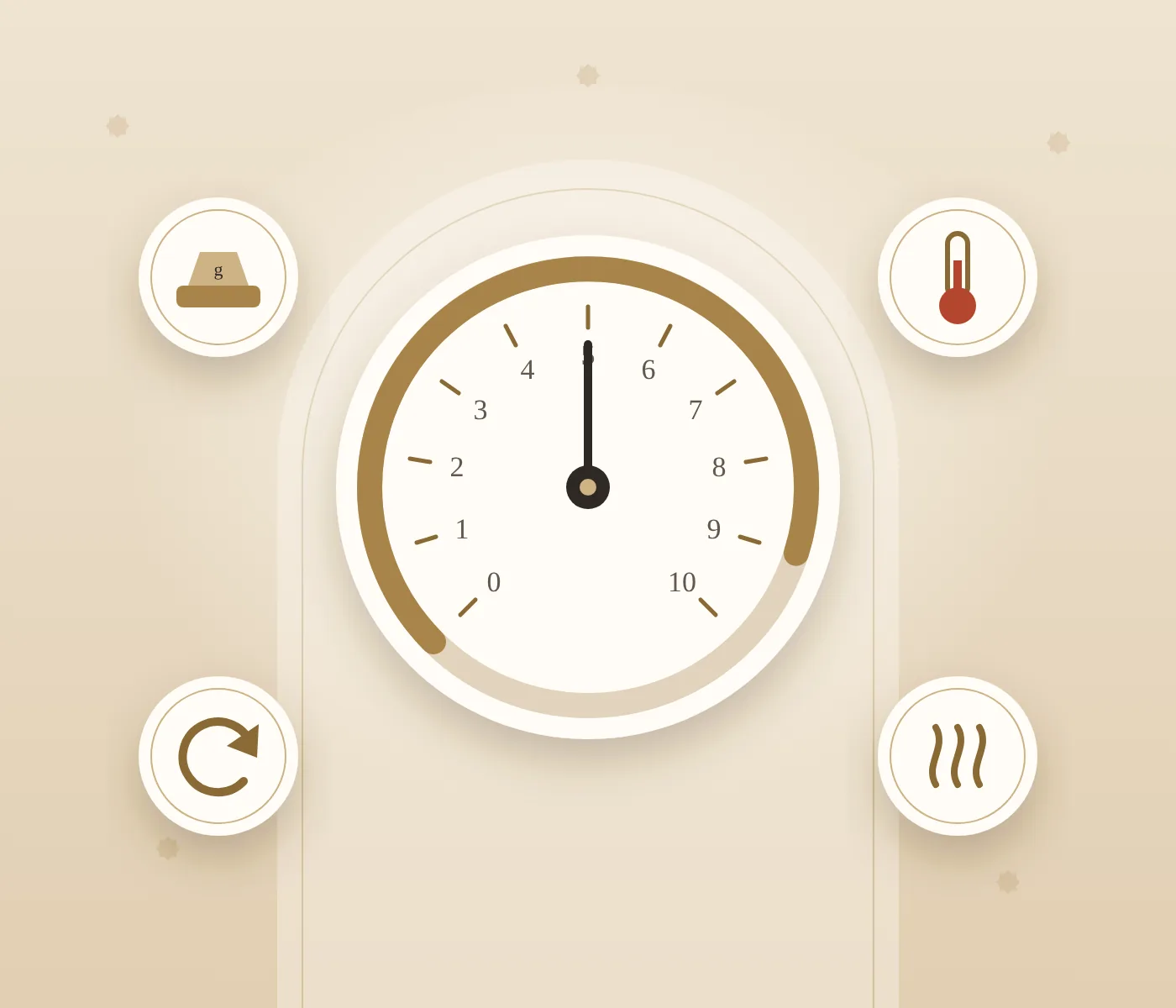
Your new Thermomix® has arrived. Congratulations! The first days, it can feel like there are many buttons and many options. Don't worry. You only need a few basic functions to start cooking with confidence.
In this guide, I explain the six functions I always show first to new owners in Dubai and across the UAE.
1. Weighing: the built-in scale
The Thermomix has a scale inside. You put the bowl on the base and add your ingredients directly into it. No extra bowls, no measuring cups.
- ✅ Press the scale to reset it to zero before each new ingredient.
- ✅ Most recipes use grams, even for water and milk.
2. Speeds: from slow stirring to fine blending
The speed controls how fast the blade turns. Here is a simple way to remember it:
- Speed 1–2: gentle stirring, like with a spoon.
- Speed 3–5: chopping onions, garlic or vegetables.
- Speed 6–10: blending soups, smoothies and fine purées.
Always start slowly and go up step by step, especially with hot food.
3. Temperature: cooking in the bowl
The Thermomix heats the bowl, so you can cook directly inside it: soups, sauces, rice, jams and more. You choose the time, the temperature and the speed. The machine stirs and cooks at the same time, so nothing sticks.
4. Reverse: to protect your food
Normally, the blade cuts. With the reverse function, the blade turns the other way and uses its blunt side. It stirs without cutting. Use it for risotto, stews, chickpeas or anything you want to keep in pieces.
5. Varoma: steaming on top
The Varoma is the steaming basket that sits on the lid. While something cooks in the bowl, vegetables, fish or chicken steam on top. You can make two or three parts of a meal at once. Choose the Varoma temperature setting so the water makes enough steam.
6. Guided recipes: cooking step by step
This is my favourite part for beginners. With guided recipes on Cookidoo®, the screen shows you each step. It tells you what to add and sets the time, temperature and speed for you. You just follow along. It is the best way to learn how your machine works.
My advice for your first week
- ✅ Start with simple recipes: a soup, a smoothie, a hummus.
- ✅ Use guided recipes to learn the settings.
- ✅ Cook a little every day. Practice makes it easy.
Have a question about your new machine? Contact me, I am happy to help or show you in a demo.